A little room to move.
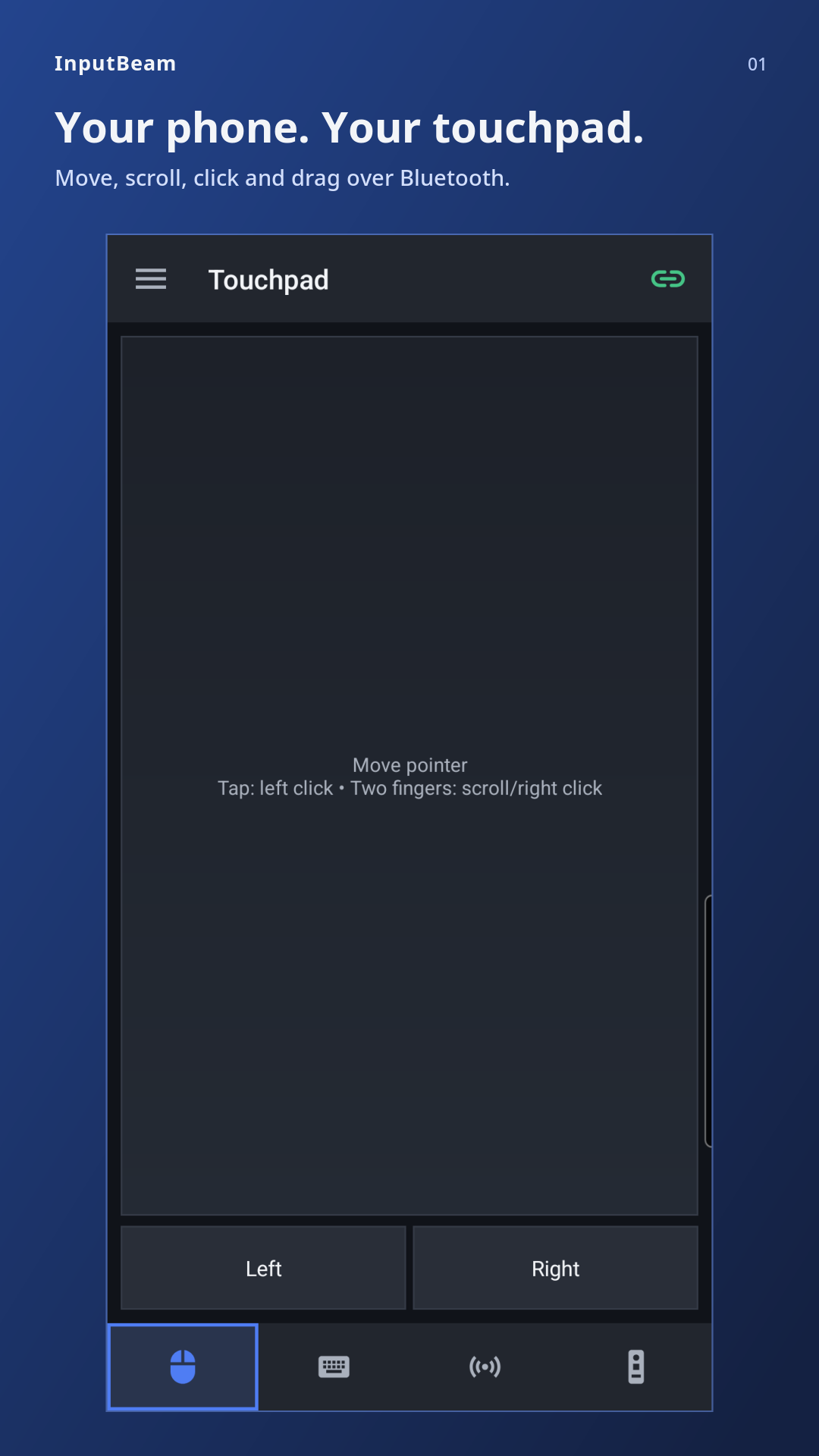
Move the pointer, tap to click and scroll with two fingers. Dedicated mouse buttons make clicking and dragging simple.
 InputBeam
Bluetooth control · Android 9+
A keyboard, touchpad, Air mouse and media remote. All on the phone already in your hand.
Connect directly to a compatible computer or TV over Bluetooth. No companion software. No Wi-Fi setup.
A familiar set of controls
Move the pointer, tap to click and scroll with two fingers. Dedicated mouse buttons make clicking and dragging simple.
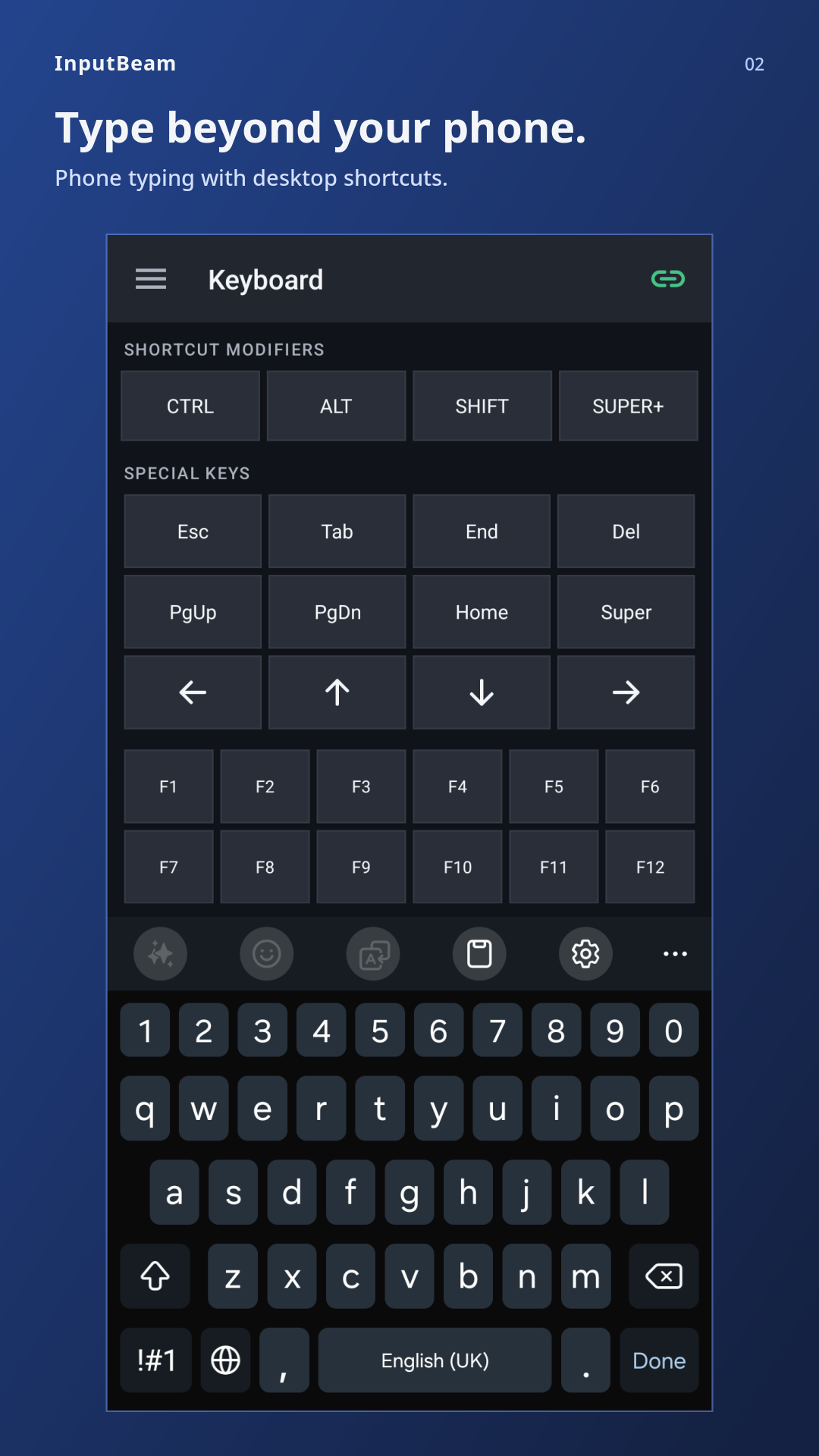
Type with your phone keyboard. Use Ctrl, Alt, Super, arrow keys and F1–F12, with 53 host keyboard layouts to choose from.
Hold the pointing area and aim to move the pointer. Release to pause and reposition. Requires a compatible motion sensor.
Navigate menus, control playback and adjust the volume on supported devices. Available controls vary by computer or TV.
Simple by design
Open InputBeam, pair your receiving device while the app is running, then connect. Keep the app open while you use it.
Your input stays between your devices
InputBeam sends your input directly to the paired device you choose. It does not store entered text or send data to its developer.